Press kit
Tangerine for Mac
Tangerine is an offline file converter for Mac that brings conversion, editing tools, and file actions to your pointer while you drag a file.
Details
- App
- Tangerine
- Price
- $29.99 USD, one-time purchase
- Platform
- Apple silicon Mac
- Requirements
- macOS 13 or later
- Availability
- Available now
- Public launch
- 7 September 2026
- Developer
- Leap Studio
- Version
- 1.4
- Website
- tangerineformac.com
Description
Tangerine is an offline file converter for Mac that brings conversion, editing tools, and file actions to your pointer while you drag a file.
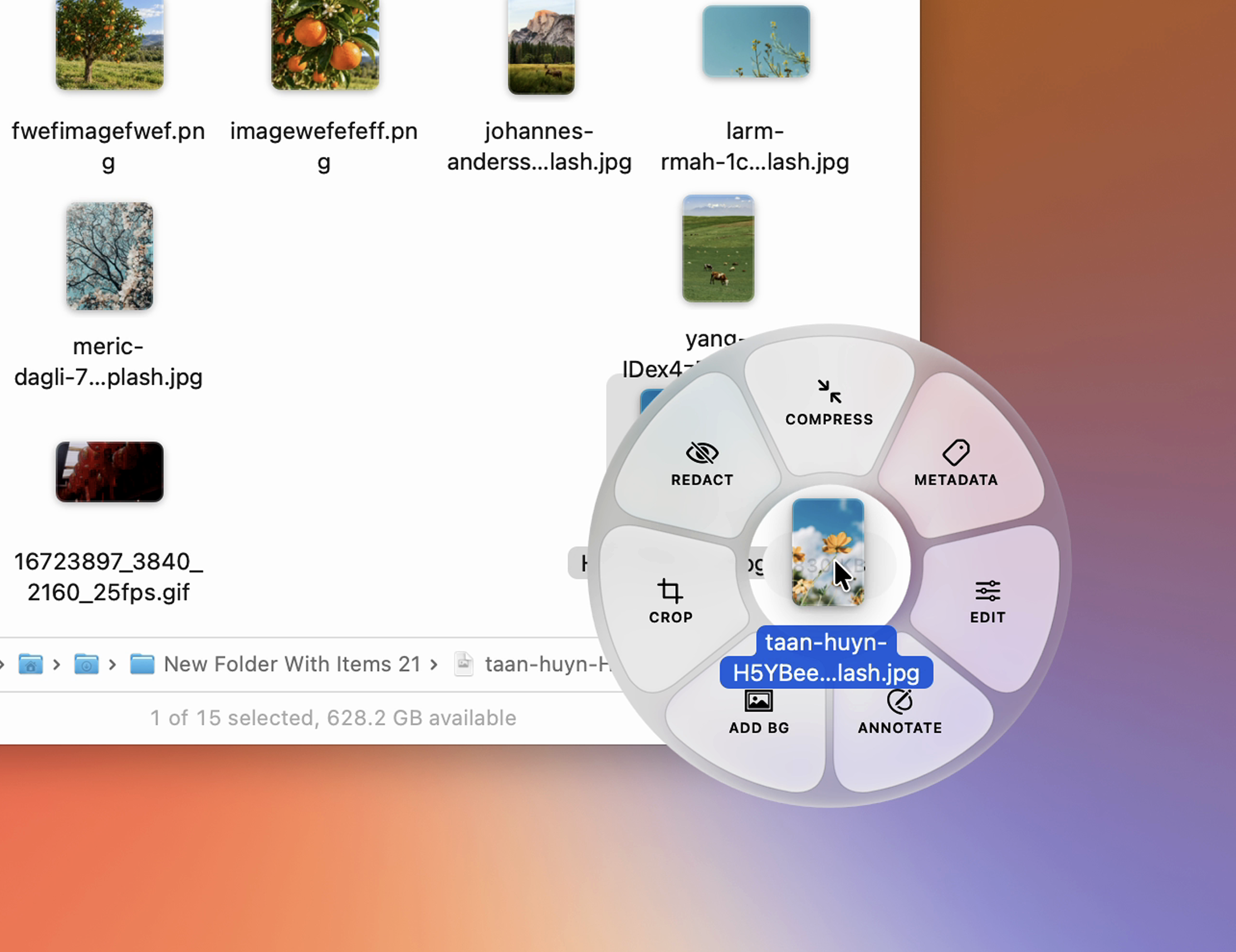
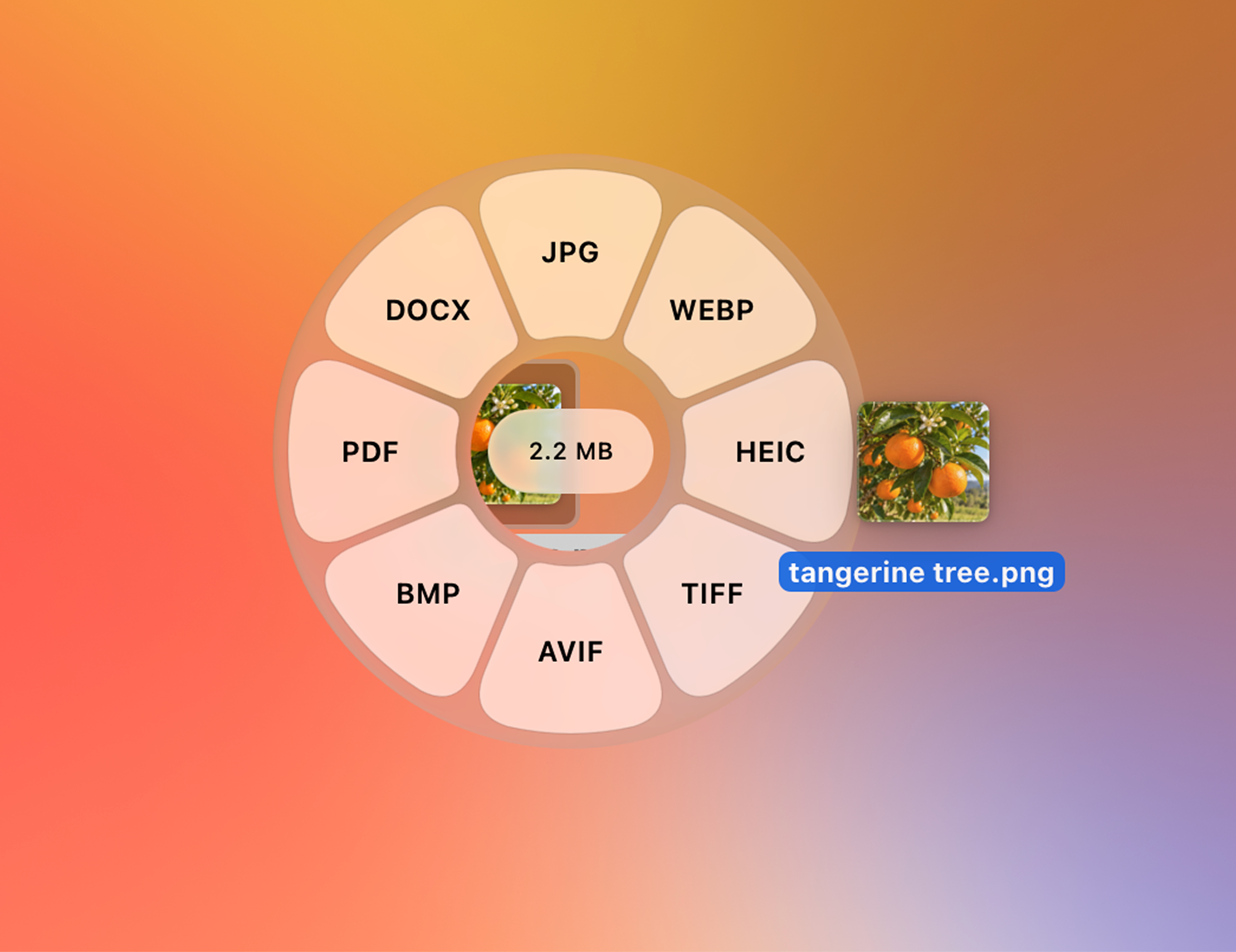
Tangerine converts images, video, audio, documents, presentations, spreadsheets, subtitles, and archives without requiring a separate app window. Drag a file, then tap Shift to choose an output format, Command for file-specific editing tools, or Control for actions such as AirDrop, Float, Copy, Move, Copy Path, and Terminal. Release the key and the wheel stays open until you drop. Processing stays on the Mac, and Tangerine costs $29.99 as a one-time purchase.
File conversion usually interrupts the task already in progress: open a website or utility, upload or import a file, choose settings, wait, and then find the result. Tangerine puts that workflow at the cursor. Its radial menus appear around the dragged file, expose only relevant formats and tools, and save converted or edited copies beside the original.
Key features
- Drag a file, then tap Shift to open format conversion at the cursor.
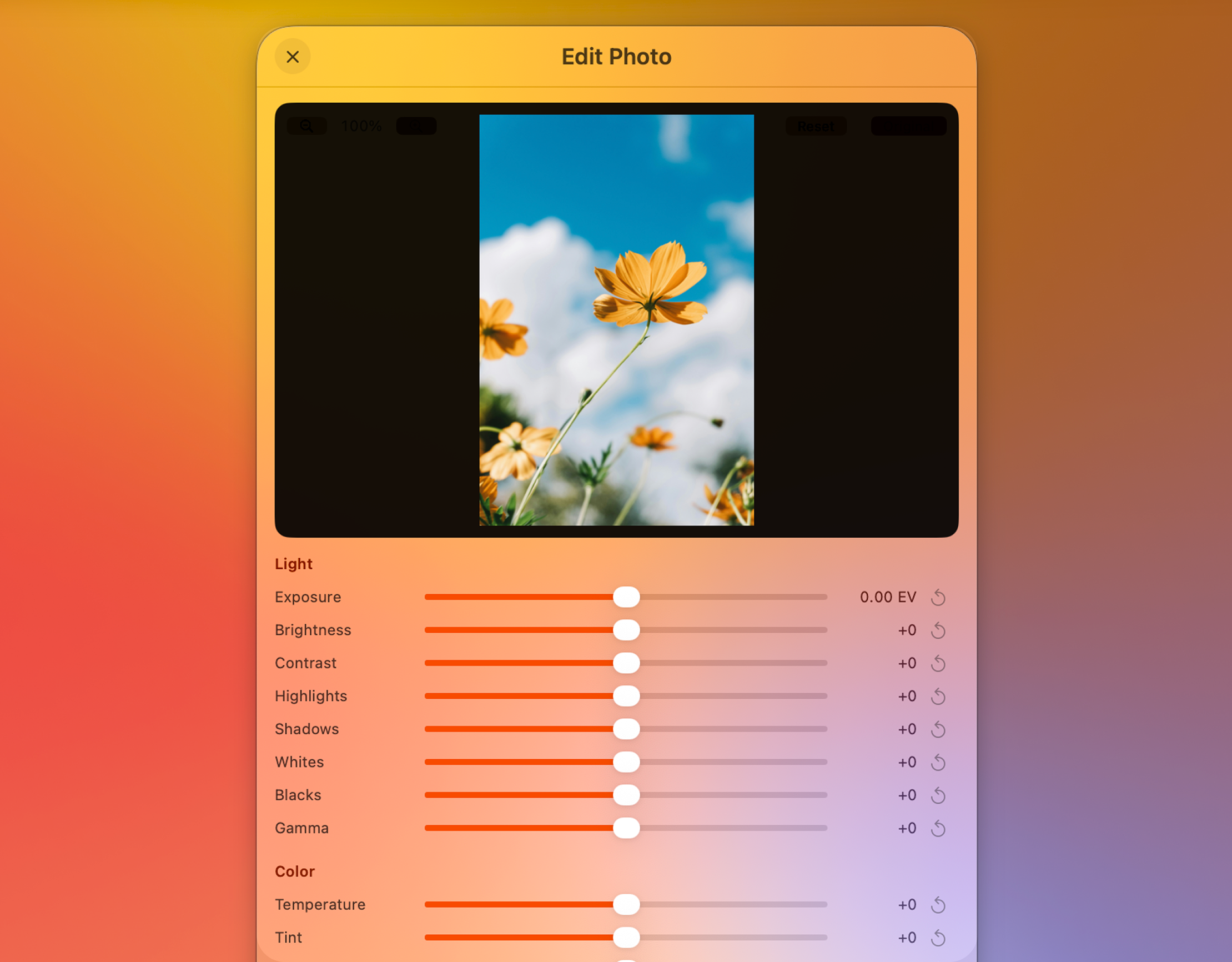
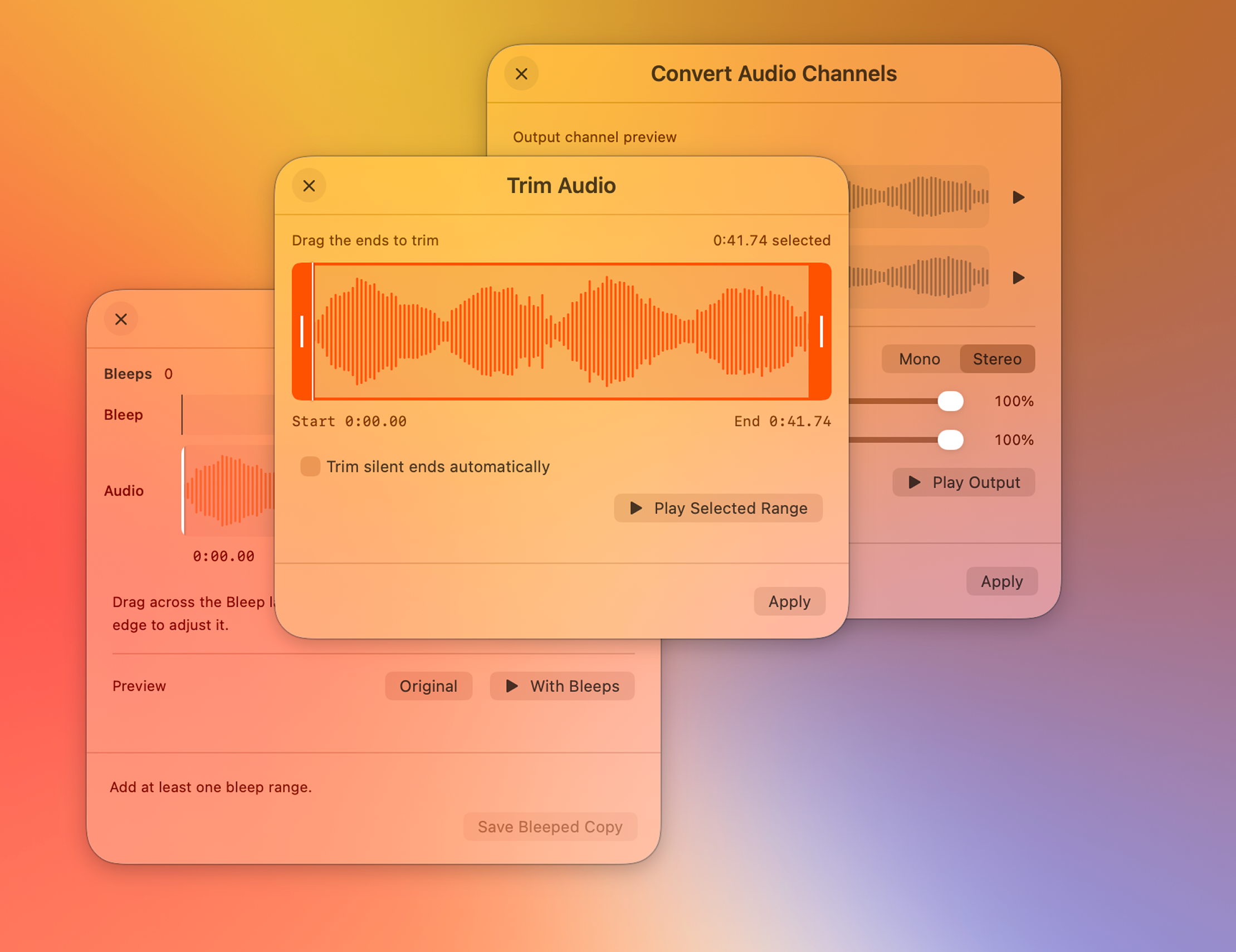
- Drag a file, then tap Command to open file-specific editing tools.
- Tap Control during a drag for AirDrop, Float, Copy, Move, Copy Path, and Terminal.
- 275 conversion paths cover images, video, audio, documents, presentations, spreadsheets, subtitles, and archives.
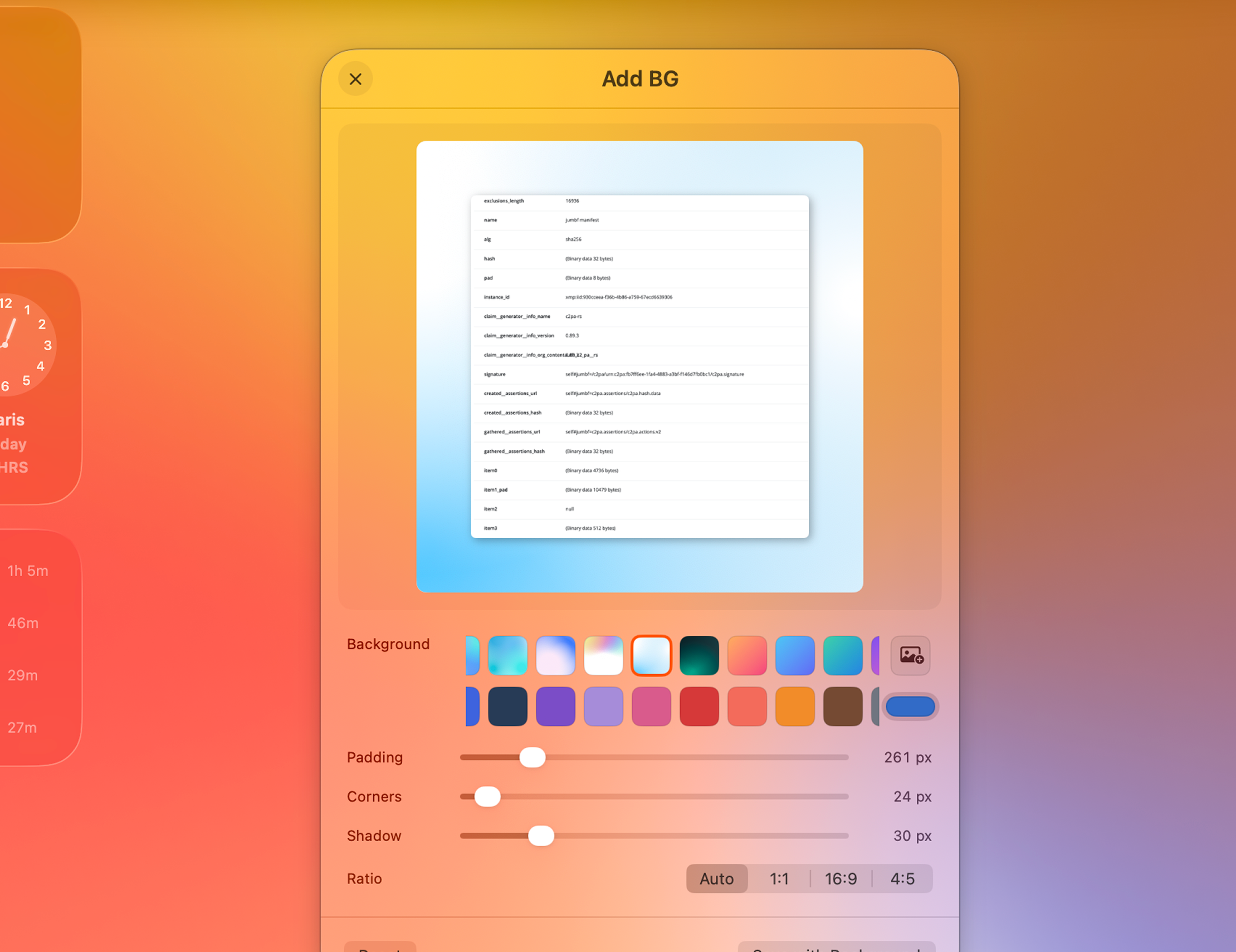
- File tools handle compression, metadata, cropping, trimming, splitting, merging, and more.
- Files are processed locally and are never uploaded to Tangerine.
- Conversions and edits save a new copy. File actions also work with folders and mixed selections.
Images
High-resolution product images ready for editorial use. Open any image to download the original.

Product video
Download MP4Press contact
For questions, review access, or additional assets, email Leap Studio directly.